

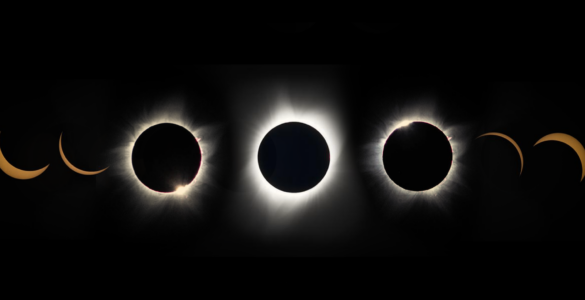

Transit Method When a planet passes directly between a star and its observer, it dims the star’s light by…

SuperKnova is a project to provide learning opportunities in radio technology for students in a way that is inclusive…
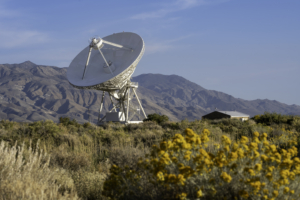
Three million years ago the fault regions of the Sierra Nevada and White Mountains began their thunderous rise. Their…

University of the West Indies student Brianna Sampson finds than more than a thousand Giant Radio Galaxies could be hidden in the data of a radio sky survey.
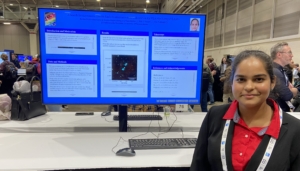
University of the West Indies student Kavita Gosine Bissessar hunts for asymmetrical DRAGNs in the VLA Sky Survey.
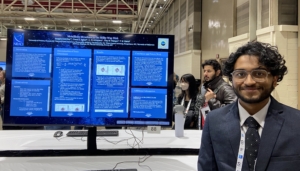
University of Arizona student Swapnaneel Dey looks at the metallicity of interstellar clouds in our galaxy.
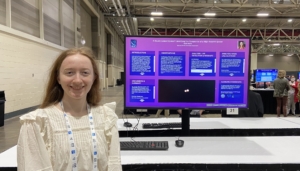
When a distant quasar was found to have two sources, University of Washington student Anaïs Martin wanted to find out why.
#RADIOIMAGEOFTHEWEEK
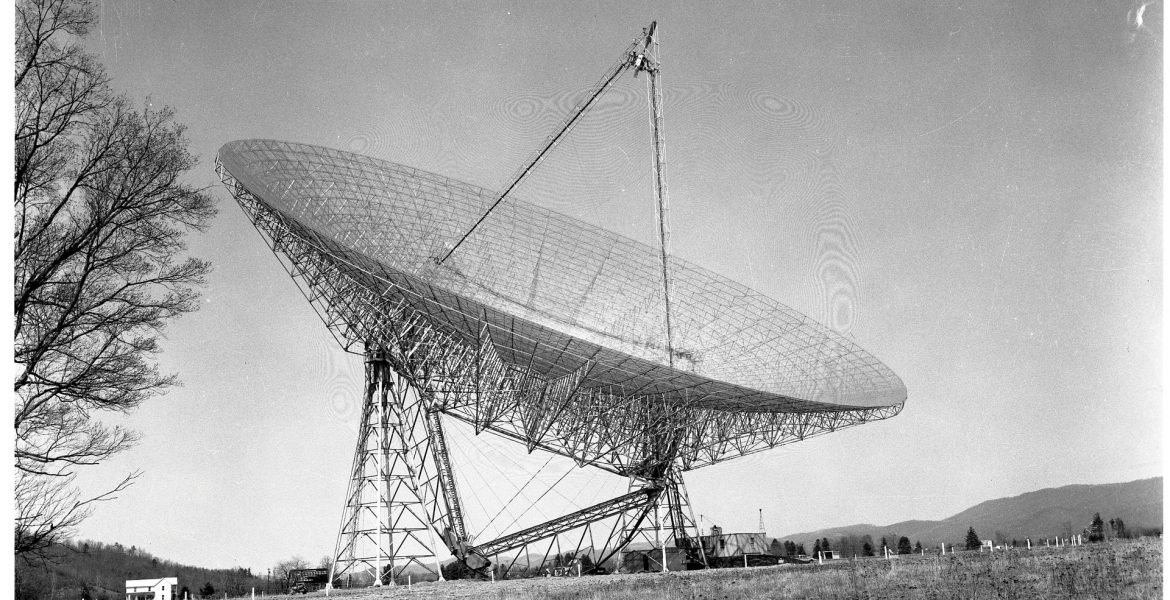
300-foot Masterpiece
The 300-foot telescope in Green Bank, West Virginia after its completion in September 1962.


NRAO Making Waves
Announcements and Achievements
-
Associated Universities, Inc. and the National Radio Astronomy Observatory celebrate success of Chilean students in pursuit of STEM careers
The U.S. National Science Foundation National Radio Astronomy Observatory (NSF NRAO) and Associated Universities, Inc. (AUI) are proud to celebrate the remarkable achievements of two local students, Iris and Camila, as they embark on their journeys into STEM (Science, Technology, Engineering, and Mathematics) careers.
-
National Radio Astronomy Observatory Shines at New Mexico Governor’s STEM Challenge
The National Radio Astronomy Observatory (NRAO) marked its presence for the third consecutive year at the prestigious New Mexico Governor’s STEM Challenge
-
NAC Student Researchers Receive Prestigious Chambliss Medals at AAS 243
Two student researchers from the National Radio Astronomy Observatory’s National Astronomy Consortium (NAC) program were each awarded the prestigious…
-
ALMA Gets a New Heartbeat
The Atacama Large Millimeter/submillimeter Array (ALMA) has just received a “heart transplant,” high in the Atacama Desert in Northern Chile. ALMA, the most complex astronomical observatory ever built on Earth, installed a new hydrogen maser. Funded by the National Radio Astronomy Observatory (NRAO), this upgrade marks an essential investment, setting a new standard in reliability for observations.